
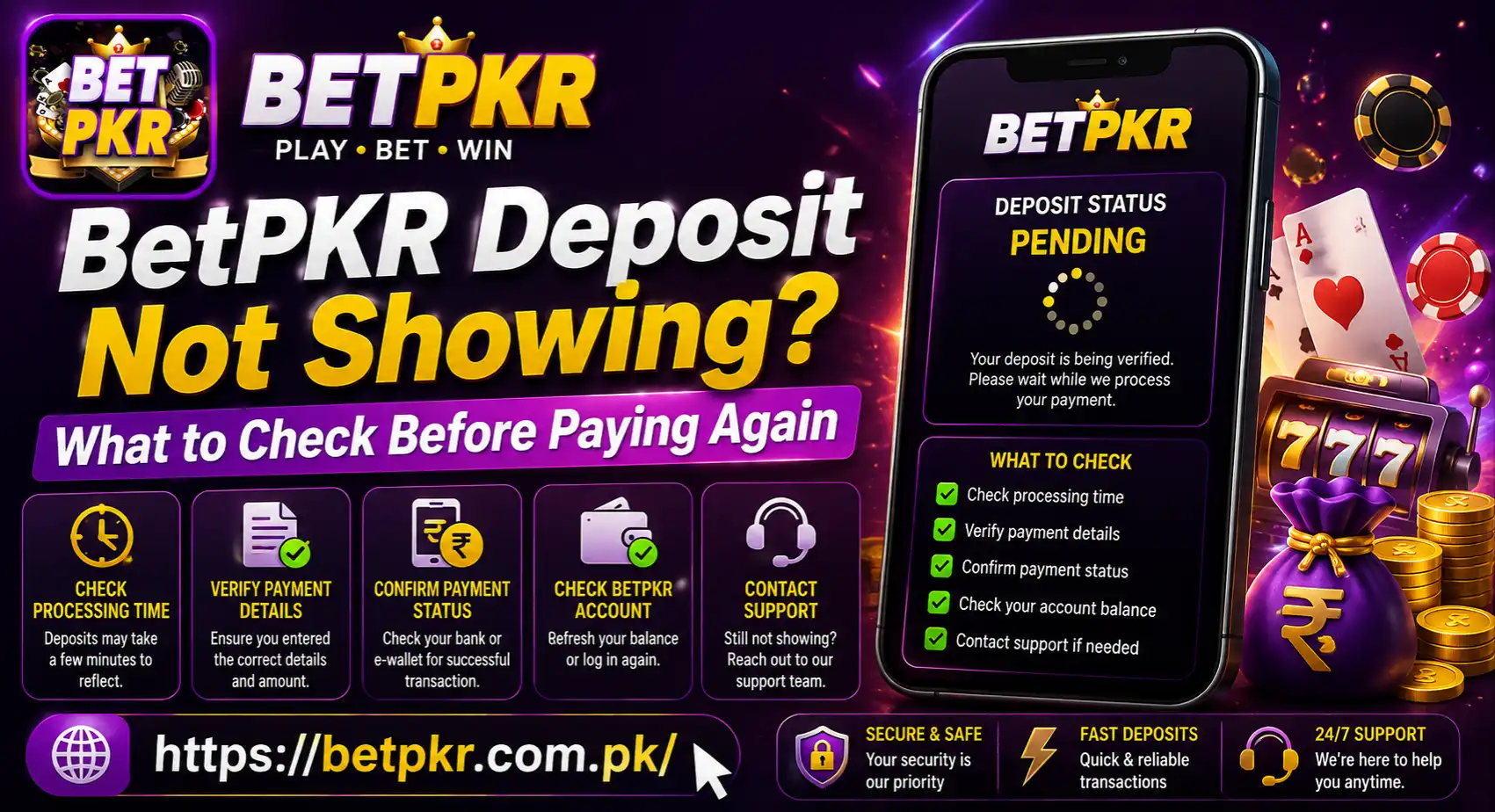
BetPKR Deposit Not Showing? What to Check Before Paying Again
A BetPKR deposit not showing does not always mean the money has disappeared. The transaction may still be processing, the app balance may not have refreshed, or the payment may have been sent without the correct reference details.
Do not make another deposit immediately. Start by checking whether money actually left your payment account and whether the transaction appears inside BetPKR. Sending a second payment before checking the first one may leave you with two unresolved transactions.
Check the Payment Status First
Open the payment app or banking service you used and find the transaction. Look at its current status instead of relying only on an SMS notification.
You may see one of these results:
- Successful: The payment provider shows that the transfer was completed.
- Pending: The payment has not reached a final status.
- Failed: The transfer did not go through.
- Reversed: The amount was returned or is being returned.
- Cancelled: The payment was stopped before completion.
If the status is still pending, wait for the payment provider to update it. BetPKR cannot reflect a deposit that has not been completed by the sending service.
When the payment shows failed or reversed, check whether the amount has returned to your available balance before trying again.
Look at Your BetPKR Transaction History
Next, open the wallet, deposit history or transaction section inside your BetPKR account. The exact menu name may vary depending on the current app version.
Find the deposit request and check:
- Deposit amount
- Date and approximate time
- Payment method
- Order or reference number
- Status shown in BetPKR
- Any error or verification message
If the transaction appears as processing, it may already be under review. Avoid creating another deposit request for the same amount while the first one remains active.
If there is no record of the deposit, think about whether you created a payment order inside BetPKR before transferring the money.
Confirm That You Used the Correct BetPKR Account
It is possible to make a payment while signed in to the wrong account, especially if more than one person uses the same phone.
Check the username or registered phone number shown in your profile. Confirm that it is the same account where you expected the balance to appear.
Also make sure you did not:
- Log in with a different username
- Create a second account accidentally
- Use an old account saved in your browser
- Switch between the app and website with different details
- Deposit while another person’s account was open
If you are unsure which account you used, do not register again. Review your existing details through the BetPKR login page first.
Check the Payment Details You Followed
Deposit instructions can change. Always use the payment details generated or displayed for your current transaction.
A number copied from an old screenshot, video, WhatsApp message or previous deposit may no longer be valid. Do not assume that a payment destination stays the same for every transaction.
Review whether you:
- Selected the intended payment method
- Entered the correct amount
- Used the currently displayed payment details
- Completed every confirmation step
- Added a transaction reference when requested
- Returned to BetPKR to submit or verify the payment
The website’s BetPKR Deposit Not Showing deposit guide explains the basic payment process. However, instructions shown inside your current account should be treated as the main reference.
The Deposit May Still Be Processing
A successful transfer does not always update the game balance instantly. The payment provider and BetPKR game may need time to match and confirm the transaction.
Check whether the deposit page displays an expected processing period. Do not depend on a fixed timing mentioned in an old article because payment methods, review procedures and account conditions may change.
While waiting:
- Keep the payment receipt.
- Do not repeat the transfer.
- Avoid cancelling anything without reading the instructions.
- Refresh the transaction page after a reasonable interval.
- Note the time when the payment status changes.
If the displayed processing period passes and the balance remains unchanged, prepare the transaction details before contacting support.
Refresh the BetPKR Balance
Sometimes the payment is recorded, but the wallet screen continues to show an older balance. This can happen because of a weak connection, a temporary app problem or a page that has not refreshed.
Try these simple checks:
- Close and reopen BetPKR
- Refresh the wallet page
- Switch between Wi-Fi and mobile data
- Log out and sign in again
- Restart your phone
- Check the account through a browser, if available
- Look for the deposit in transaction history instead of only the main balance
Do not clear all app data unless you remember your username and password. Clearing data may sign you out and create an unnecessary login problem.
Check Whether You Are Looking for a Bonus
Your deposited amount and a promotional bonus may appear separately. If the cash deposit is visible but the expected reward is missing, the payment itself may have been completed correctly.
Look in sections labelled Promotions, Rewards, Activity, Bonus or Claim. A reward may require manual activation or have eligibility conditions.
Read the current offer terms for:
- Qualifying deposit amount
- Eligible payment method
- New-user or existing-user requirements
- Promotion expiry date
- Activation or claim steps
- Wagering or turnover conditions
Do not deposit again only to trigger a bonus. The existing BetPKR bonus guide can be used to review general promotion checks, but the offer shown inside your account should remain the main source.
Was the Deposit Sent From Someone Else’s Wallet?
Payments made from a relative’s or friend’s wallet may be harder to match with your BetPKR Deposit Not Showing account. The sender name, mobile number or payment account may not correspond with your account details.
Use a payment method you own whenever possible. If a third-party wallet was already used, do not hide that fact when reporting the transaction. Give support the accurate sender information while keeping passwords, OTPs and PINs private.
Never ask a stranger or unofficial agent to make a deposit on your behalf.
Check for Account or Payment Restrictions
A deposit may not appear normally if the account needs verification or if the transaction does not meet the conditions displayed on the payment page.
Look for notices about:
- Account verification
- Payment limits
- Unsupported payment methods
- Expired deposit orders
- Incomplete transaction confirmation
- Temporary account restrictions
- An earlier payment still under review
Do not guess the minimum or maximum amount. Check the current limits before each payment because they may change.
Collect Evidence Before Contacting Support
A clear transaction record gives support a better chance of locating the payment. Prepare the information before opening a support request.
Include:
- BetPKR username or partly hidden phone number
- Deposit amount
- Date and approximate time
- Payment method
- Transaction ID
- Deposit order number, if shown
- Status inside the payment app
- Status inside BetPKR
- Screenshot with sensitive details covered
A simple message can look like this:
I made a deposit on [date and time] using [payment method]. The payment status shows successful, but the amount is not visible in my BetPKR Deposit Not Showing balance. My transaction ID is [ID] and the deposit order number is [number]. Please check the payment status.
Send this information through the support option displayed inside the platform. An informational website cannot access your BetPKR account or process the payment for you.
Contact the Correct Service
Who you contact depends on where the transaction stopped.
If the payment app shows pending, failed or reversed, contact the bank or wallet provider first. They can explain whether the money actually left the account.
If the provider shows successful but BetPKR Deposit Not Showing has no balance update, contact the platform’s account or payment support with the receipt and transaction reference.
Do not submit the same complaint repeatedly through several channels. Keep one clear record of your communication.
Avoid Deposit Recovery Scams
A missing deposit can make users vulnerable to fake support agents. Someone may promise to release the balance in exchange for another payment or an OTP.
Never share:
- BetPKR password
- One-time verification code
- Wallet or banking PIN
- Card security code
- Account recovery code
- Complete identity-document details through an unofficial chat
Do not pay a “release fee” to a personal wallet. Genuine troubleshooting should focus on the original transaction record, not on sending more money.
When Is It Reasonable to Try Again?
Consider another deposit only after the first payment has reached a clear final status.
A new attempt may be reasonable when:
- The original payment failed
- The amount was fully reversed
- No active deposit request remains
- You understand why the first attempt did not work
- The current payment details have been checked
- You can afford the financial risk
Use a small amount within the limits displayed in your account. Never use borrowed money or funds needed for food, bills, rent or emergencies.
BetPKR Deposit Not Showing Final Thoughts
When a BetPKR deposit is not showing, check the payment status, account details and transaction history before paying again. Save the receipt and confirm whether the issue is with the payment provider or the BetPKR balance.
If the transaction shows successful but remains missing beyond the period displayed on the deposit page, contact support with the transaction ID and safe screenshots. Avoid duplicate payments and never share an OTP, password or wallet PIN.
BetPKR involves real-money gaming and possible financial loss. It should only be used by adults aged 18 or above, and no deposit, bonus or game can guarantee a profit.