BetPKR Game Round Completed but Result or Balance Not Updated?
A game round can appear finished on the screen while its result or balance is still waiting to be recorded in your BetPKR APK account. You may see the timer reach zero, the game close normally, or even a winning message—but the wallet amount remains unchanged. In other cases, the result disappears before you can check whether the stake was settled.
Do not place the same bet again just to test the wallet. First confirm the round ID, check the correct balance section and allow the account to refresh. The missing update may be caused by a delayed settlement, an interrupted connection or confusion between the cash and bonus wallets.
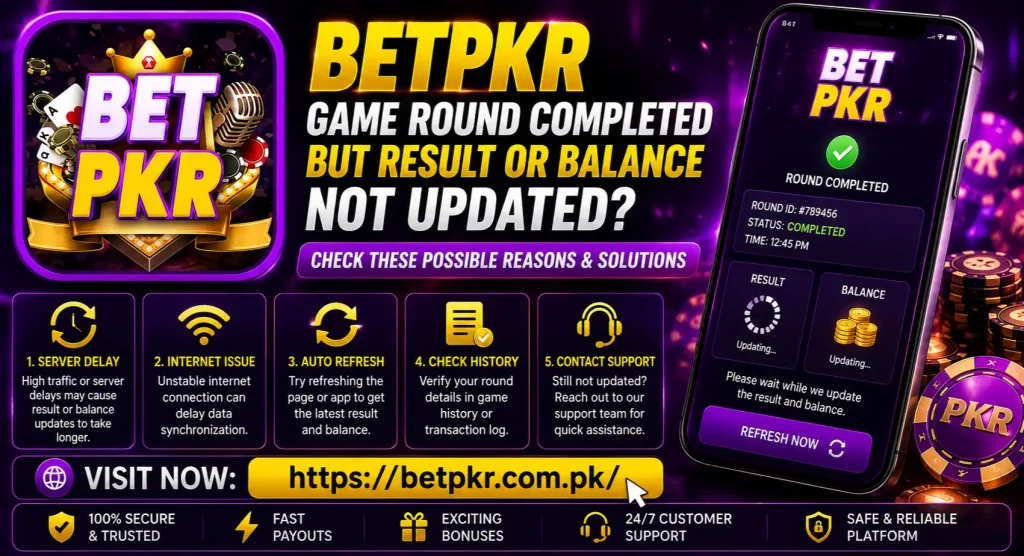
Quick Checks Before You Play Another Round
Start with these simple checks:
- Close the game window and return to the BetPKR dashboard.
- Refresh the wallet or reopen the app once.
- Check the game history instead of relying only on the final animation.
- Look at both the main balance and any separate bonus balance.
- Save the round ID, time, stake and a screenshot if they are available.
- Avoid clearing app data or uninstalling the APK until you have recorded the details.
If the result appears in game history but the balance has not changed, the round may be recorded while its wallet settlement is still being processed. If there is no history entry at all, a connection or session problem may have interrupted the display.
Why a Completed BetPKR Game Round May Not Update
The Result Is Still Being Settled
The visual end of a round and the account settlement are not always the same event. A game can finish on screen before its result is fully added to the account ledger. This is more likely when many users are active or the game provider is responding slowly.
Repeatedly opening the same game will not speed up settlement. Check whether the round shows as completed, pending, processing or unsettled in the available history section. The exact status names can vary by game and app version.
Your Internet Disconnected Near the End
A short network interruption can be easy to miss. The animation may continue from information already loaded on the phone, while the final account update fails to appear until the app reconnects.
Switch between mobile data and Wi-Fi, then reopen the account dashboard. Do not change networks while a new paid round is running. A stable connection is more important than simply having a strong signal icon.
The App Is Showing an Old Wallet Value
Sometimes the transaction is recorded correctly but the wallet display has not refreshed. Returning to the home screen, signing out carefully, or reopening the app may load the current balance.
Before signing out, make sure you know the registered number and password. If you are already having login or OTP problems, save the round evidence first and avoid actions that could make account access harder.
The Amount Went to a Different Wallet
Promotional credit and cash balance may be shown separately. A bonus-funded round may return funds to a bonus wallet rather than the main withdrawable wallet. Likewise, a displayed reward is not necessarily available for immediate withdrawal.
Open each wallet section and check its labels carefully. If bonus funds are involved, read the offer’s eligibility, turnover and expiry conditions. The general BetPKR bonus guide may help you understand the difference, but the conditions displayed inside your account should take priority because offers can change.
The Game Was Cancelled or Rolled Back
A round may be cancelled when the game service cannot confirm a valid outcome. Depending on the applicable rules, the stake may be returned instead of a win or loss being recorded. Check the transaction amount rather than looking only for a winning entry.
Compare the balance from before the round with the current wallet. If the exact stake was returned, the round may have been reversed. Do not assume a rollback without checking the game record or asking support to confirm it.
Date, Time or Filters Are Hiding the Record
Game-history screens may use filters for a particular date, game category or result type. A round can seem missing simply because the wrong date range is selected. Device time settings may also make a recent entry appear under an unexpected time.
Set the phone’s date and time to automatic, then check the relevant game and transaction-history filters again.
How to Check Whether the Stake Was Settled
Use the account records to reconstruct what happened:
- Note the balance immediately before the round, if you remember it.
- Check whether the stake was deducted once or more than once.
- Find the round in game history using its time or game name.
- Compare the displayed result with the wallet transaction entry.
- Check whether any amount moved to the bonus wallet.
- Look for a reversal equal to the original stake.
The game animation alone is not reliable evidence of settlement. A screenshot of the result is useful, but the round ID and account transaction record are more helpful when support investigates the issue.
What Details Should You Save?
Collect the information while it is still visible:
- Registered mobile number or user ID, partially masked where possible
- Game name and table or room, if shown
- Round ID or order number
- Date and approximate time
- Stake amount
- Result displayed on screen
- Balance before and after the round
- Screenshots of the result and transaction history
- App version and phone model
- Network used at the time
Never send your password, OTP, JazzCash PIN or Easypaisa PIN. Those details are not required to trace a game round.
When Should You Contact BetPKR Support?
Contact the support option shown inside the app or on the website if the round remains missing after the account and history have refreshed. Send one clear report containing the round ID, time, stake, game name and screenshots.
Avoid submitting several tickets for the same round. Duplicate reports can make the conversation harder to follow. Ask support to confirm two separate points: whether the game round was settled and which wallet received the resulting amount.
If support cannot find the round, provide the closest available transaction entry and the exact time zone shown on your phone. Do not contact random social-media accounts or send account information to someone who claims they can manually add the balance. The BetPKR safety guide includes additional account-protection checks.
What Not to Do While the Result Is Missing
- Do not repeat the wager to force a balance refresh.
- Do not keep switching accounts or creating another account.
- Do not uninstall the app before saving evidence.
- Do not edit screenshots or crop out the round details.
- Do not share OTPs, passwords or mobile-wallet PINs.
- Do not use a supposed predictor, hack or balance generator.
- Do not deposit more money to solve a game-settlement problem.
If the missing result affects your planned spending, stop playing until it is resolved. BetPKR and similar real-money games can result in financial loss; they should not be treated as guaranteed income. Use the platform only if you are legally eligible and at least 18 years old.
Final Check BetPKR Game Round Completed
When a BetPKR game round is completed but its result or balance is not updated, begin with the game history and wallet records. Refresh the account once, check the main and bonus balances, confirm that the stake was deducted only once, and save the round ID. A delayed display, unsettled round, rollback or interrupted connection can look similar, but the transaction trail helps separate them.
Wait for the existing round to be confirmed before spending more money. If the records still do not match, send one complete report through the support channel available in your account.